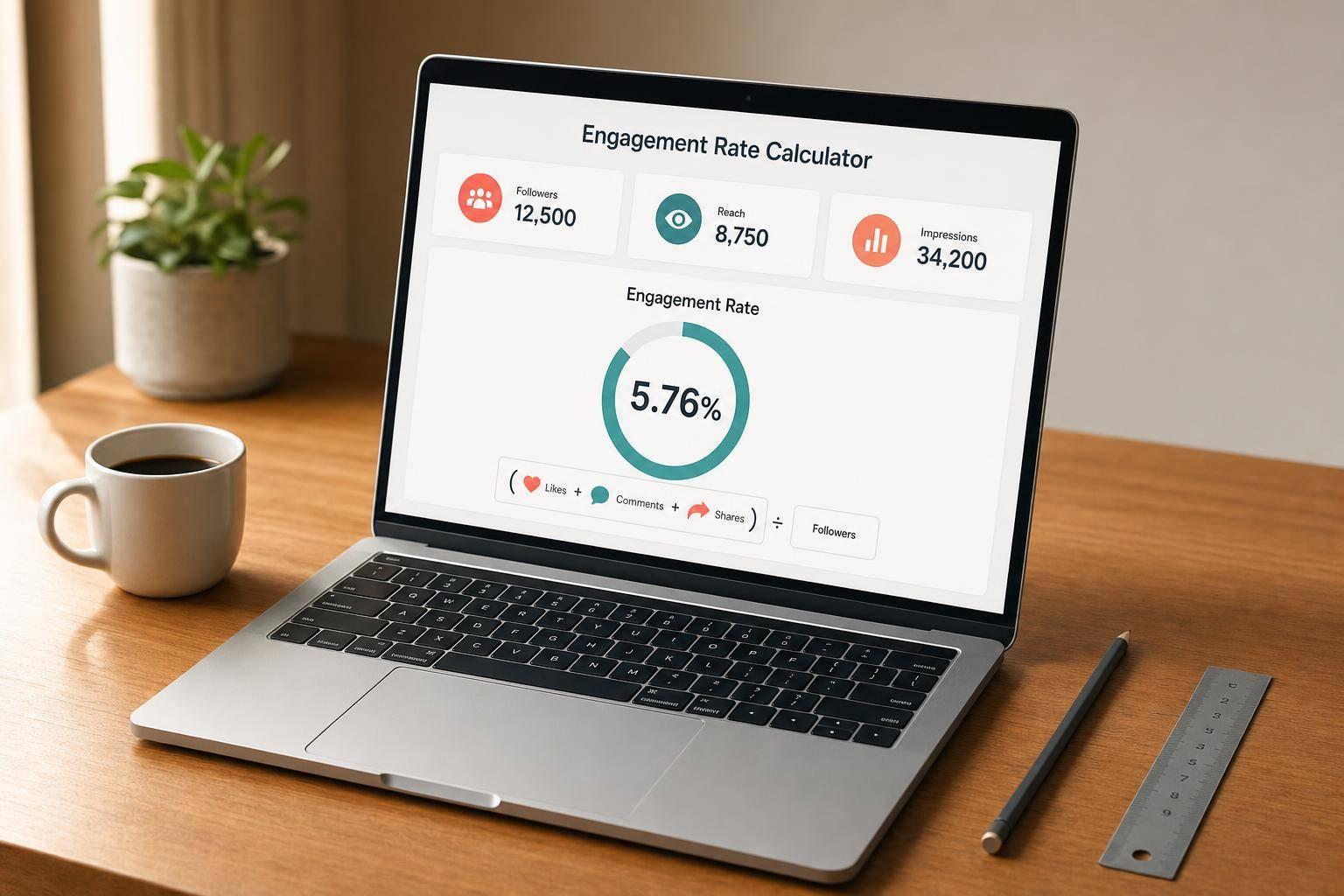
Engagement Rate Calculator
Engagement Rate Calculator
Engagement Rate Calculator for Social Media
Measure performance with clarity
A reliable engagement rate calculator helps you move past guesswork and understand how people are responding to your content. Whether you're reviewing a single post or checking overall account performance, this tool lets you calculate engagement using followers, reach, or impressions as the base metric. That flexibility matters because different teams track success in different ways.
Built for quick, accurate analysis
You can enter total engagements directly or break them out by likes, comments, shares, saves, and clicks. If you choose the detailed option, the tool automatically adds everything up and shows the exact total used in the formula. That makes the result easier to trust and easier to explain to clients, teammates, or brand partners.
Useful for creators, marketers, and agencies
A strong social media engagement rate calculator should do more than produce a percentage. It should also show the formula, confirm the selected base metric, and give a simple interpretation of the result. This tool does exactly that while keeping the process clean and easy to follow. If you need a fast way to compare posts, evaluate campaign performance, or spot trends in audience interaction, this engagement rate calculator gives you a straightforward answer without adding noise.
FAQs
What’s the difference between engagement rate by followers, reach, and impressions?
The difference comes down to what you want to measure. Engagement rate by followers compares engagement to your audience size, which is useful for benchmarking account performance over time. Engagement rate by reach compares engagement to the number of unique people who saw the content, so it often gives a more post-specific view. Engagement rate by impressions uses total views, including repeat views, which can be helpful when analyzing visibility and content exposure. None of these methods is universally best—it depends on the platform, your goal, and which metric you trust most.
Should I enter total engagements or separate actions like likes and comments?
Either approach works. If you already have a reliable total engagement number, you can enter that directly and save time. If you’d rather see exactly what’s being counted, enter the individual actions instead. The tool will add them together automatically and show the summed value used in the formula. That makes the calculation easier to verify and helps avoid mistakes when pulling numbers from platform analytics.
How are the labels like low, average, strong, and very strong determined?
The interpretation labels are based on simple, transparent threshold ranges so the result is easy to understand at a glance. Since engagement benchmarks vary by industry, platform, audience size, and content type, these labels should be treated as quick context rather than a universal grade. They’re most useful for comparing your own posts consistently over time or for spotting outliers that deserve a closer look.
Ready to create your smart links?
Join thousands of artists using PromoLinks to promote their music smarter.
Get Started Free