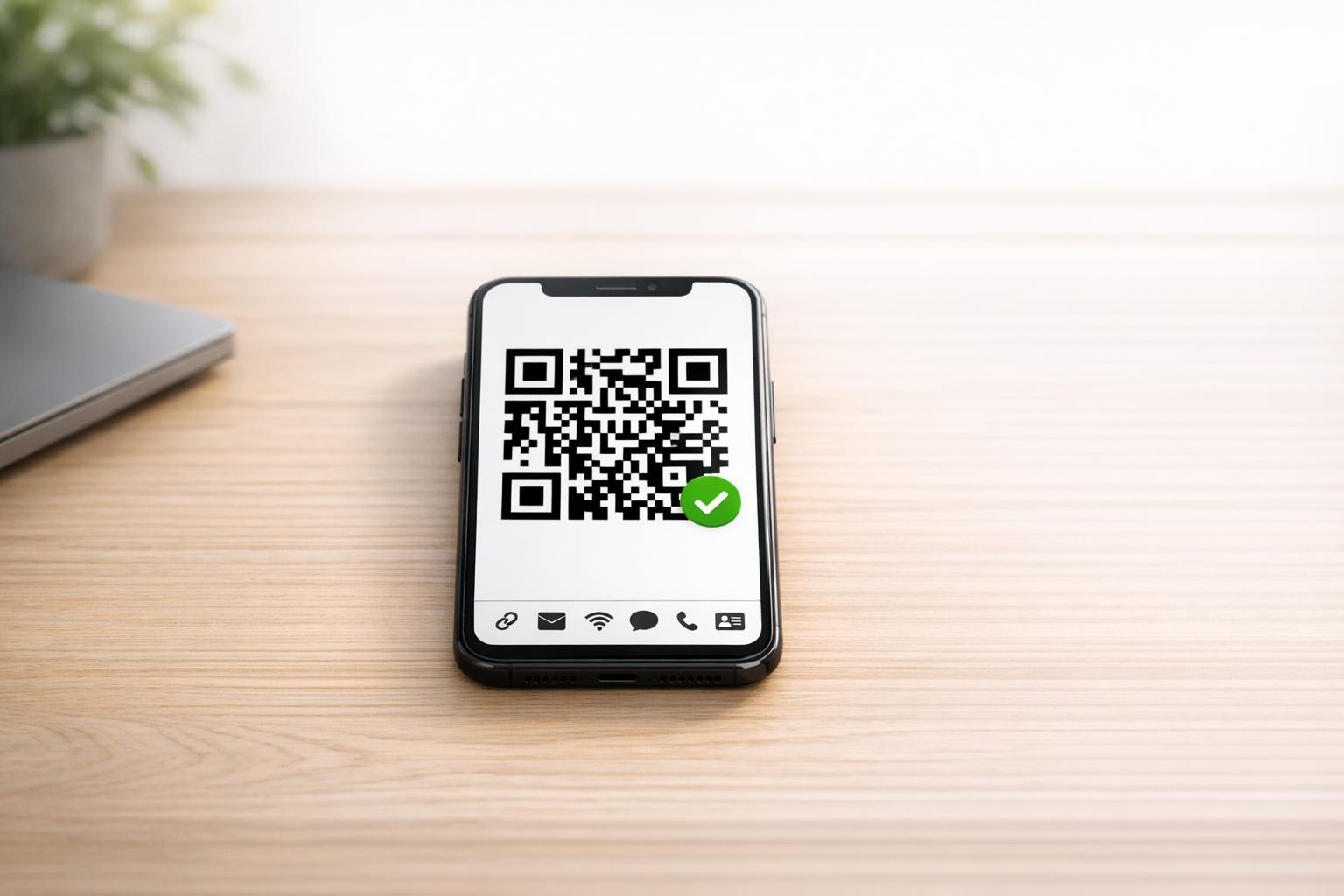
QR Code Generator
Simple QR Code Creation for Everyday Use
A good QR code generator should do more than draw a square pattern on the screen. It should help people create accurate, scannable codes without guessing how the underlying format works. This tool is built for exactly that. You can generate codes for website links, plain text, email, phone numbers, SMS messages, Wi-Fi access, and digital contact cards from one clean interface.
Built for Accuracy and Speed
As you enter your information, the tool validates required fields, cleans up common input issues, and formats the final payload correctly. That matters for structured formats like Wi-Fi and vCard, where even a small mistake can stop a phone from reading the code properly. The live preview updates as soon as your input is valid, so you can see the result right away.
Clear Preview, No Guesswork
This QR code generator also shows the exact encoded text, which adds a level of transparency many tools skip. If something needs fixing, you get a concise message instead of a broken result. Whether you need a quick code for a URL or a polished scannable contact card, this QR creator keeps the process fast, readable, and reliable on both desktop and mobile.
FAQs
What kinds of QR codes can I create with this tool?
You can generate QR codes for URLs, plain text, email messages, phone numbers, SMS messages, Wi-Fi credentials, and vCard contact details. Each option uses fields tailored to that format, which helps prevent mistakes and makes the final code easier for phones and QR scanners to read correctly.
Why isn’t my QR code generating?
In most cases, one of the required fields is missing or the input format needs attention. For example, a URL may need a proper protocol, an email address may be incomplete, or a Wi-Fi network name could be blank. The tool checks the selected content type in real time and shows an inline message so you can fix the issue before a broken QR code appears.
Does the tool show exactly what is being encoded?
Yes. Along with the live QR preview, the tool displays the plain text payload that will be encoded into the QR code. That transparency is especially helpful for formats like Wi-Fi, SMS, email, and vCard, where the final string follows a specific convention behind the scenes. You can review it before using the code to make sure everything looks right.
Ready to create your smart links?
Join thousands of artists using PromoLinks to promote their music smarter.
Get Started Free