QR Code Scanner
QR Code Scanner
QR Code Scanner Online
Fast, simple scanning in your browser
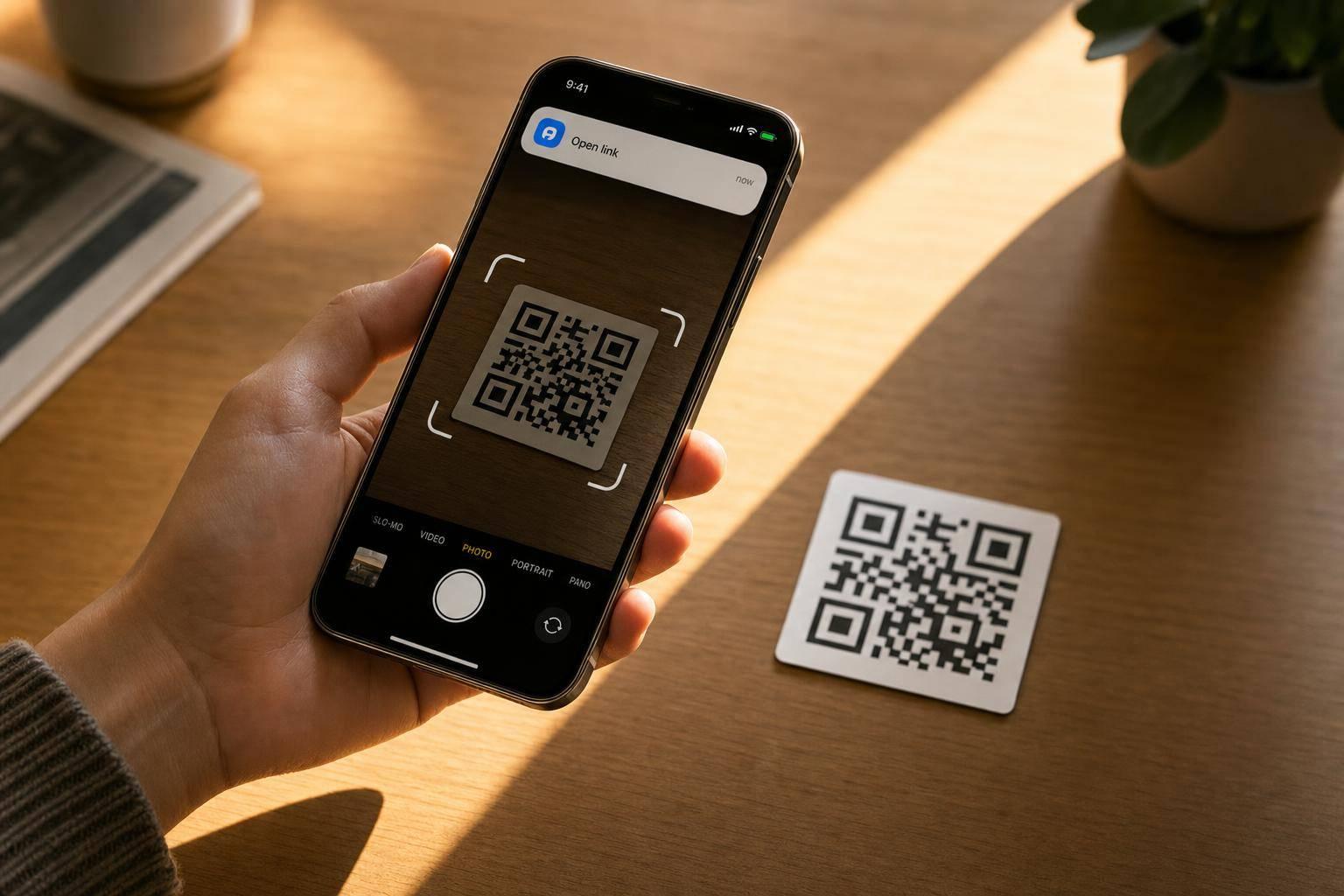
A good QR code scanner should feel instant, reliable, and easy to use on any device. This tool lets you scan codes with your camera for live detection or upload an image when that's more convenient. There's nothing to install, and the result is presented clearly so you can act on it right away.
Decode more than just links
Many codes contain more than a website. This browser-based QR code scanner can identify common formats such as plain text, email addresses, phone numbers, SMS data, Wi-Fi strings, and calendar text. When possible, it also matches the result with a useful action, like opening a URL, copying text, placing a call, or starting an email.
Built for clear results
The experience stays focused on reading and decoding QR codes only. You'll see helpful states for scanning, permission issues, invalid images, missing codes, and successful reads, so there's no guesswork. Live camera scanning is designed to avoid repeated duplicate triggers, which makes the tool feel smoother and easier to trust. If you need a dependable way to read codes online, this QR code reader keeps the process straightforward.
FAQs
Do I need to install an app to use this QR code scanner?
No. This is a web-based QR code scanner, so it runs right in your browser. If you want live scanning, just allow camera access when prompted. If you'd rather not use your camera, you can upload an image that contains a QR code and the tool will try to read it from there.
What kinds of QR code content can this tool detect?
It can decode common QR code formats and classify the result when possible. That includes website links, plain text, email addresses, phone numbers, SMS data, Wi-Fi setup strings, and calendar-style text. Once the content is recognized, the tool shows the decoded value along with a matching action to help you use it immediately.
Why isn't my QR code scanning correctly?
A few common issues can get in the way. The image may be blurry, too dark, cropped too tightly, or the QR code may be damaged. For live scanning, try improving lighting and holding the code steady in frame. For uploads, use a clear image with the full code visible. If no code is found, the tool will let you know instead of repeatedly firing duplicate scan results.
Ready to create your smart links?
Join thousands of artists using PromoLinks to promote their music smarter.
Get Started Free