Spotify Royalties Calculator
Spotify Royalties Calculator
Estimate Spotify Earnings with More Confidence
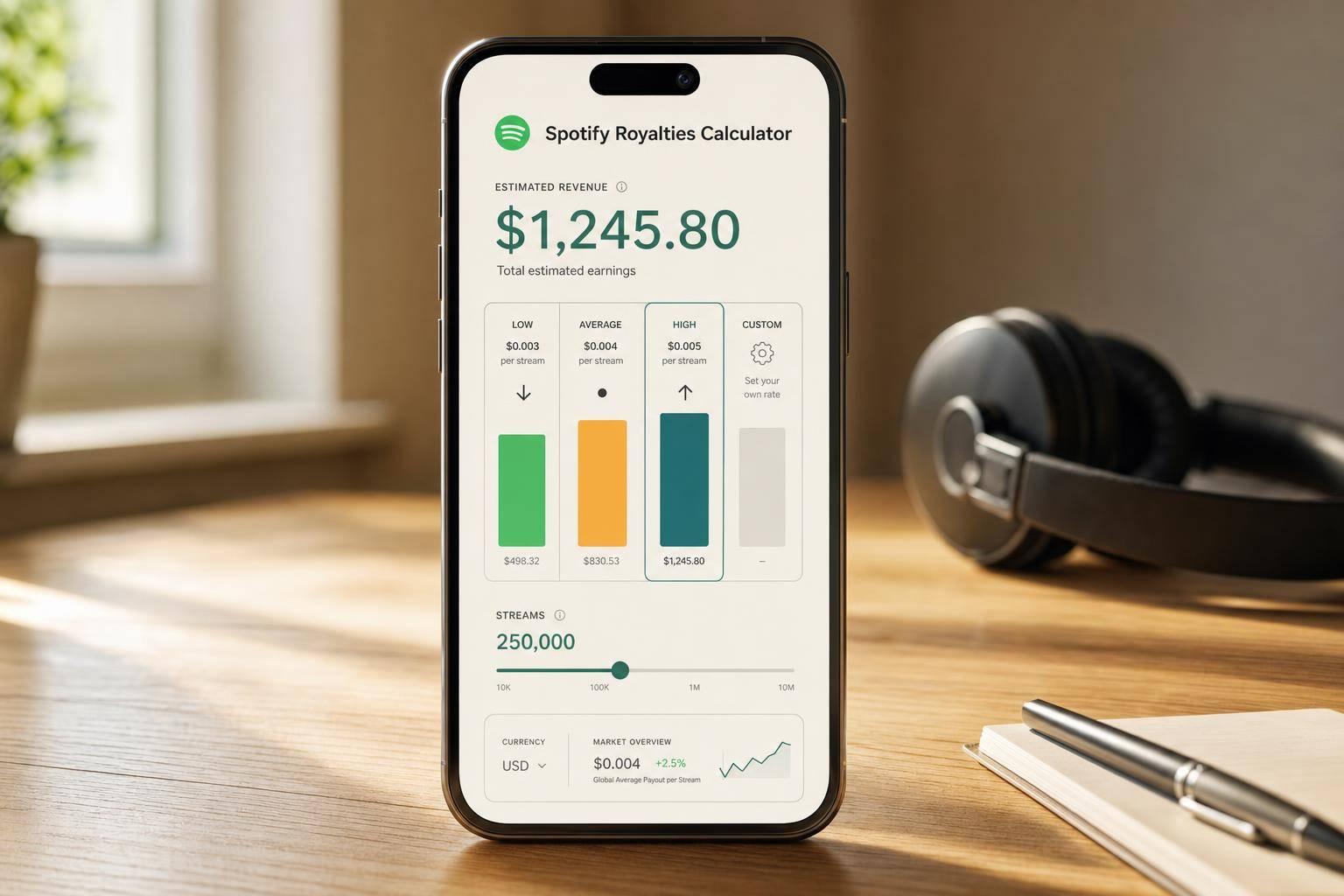
A Spotify Royalties Calculator helps artists, managers, and indie labels turn stream counts into a quick revenue estimate. Instead of guessing what a release might earn, you can enter your total streams and compare a low, average, and high payout scenario in seconds. That makes it easier to plan campaigns, forecast income, or set realistic expectations before distributor statements arrive.
Why payout estimates vary
Spotify doesn’t pay a flat rate for every stream across every account. Actual royalties can shift based on listener location, subscription type, platform-level revenue, distributor fees, and any label or publishing splits tied to the release. That’s why a range is usually more useful than a single number.
What this calculator shows
This streaming revenue tool uses clear benchmark rates to estimate earnings, while also letting you enter a custom payout per stream if you already have reporting data. You’ll see the selected estimate, the effective rate used, and side-by-side comparison figures for low, average, and high outcomes.
For anyone tracking music income, a Spotify Royalties Calculator is a fast way to translate audience growth into practical revenue projections without overcomplicating the math.
FAQs
How accurate is a Spotify royalties calculator?
It’s best used as an estimate, not a guarantee. Spotify payouts can change based on country, whether listeners are on premium or free plans, distributor fees, label or publisher splits, and your specific royalty arrangement. A calculator like this gives you a practical range so you can forecast earnings without pretending every stream pays the same amount.
What payout rates does this calculator use?
The standard comparison rates are based on common reference estimates: $0.003 per stream for a low estimate, $0.004 for an average estimate, and $0.005 for a high estimate. If you have your own rate from distributor reports or internal projections, you can switch to custom mode and use that instead.
Why does the tool show low, average, and high estimates even if I choose one mode?
Because Spotify earnings are rarely fixed in the real world. Showing all three standard estimates gives you a more useful range at a glance, so you can compare a cautious projection, a midpoint estimate, and a stronger outcome without running the numbers multiple times.
Ready to create your smart links?
Join thousands of artists using PromoLinks to promote their music smarter.
Get Started Free