Smart Links for Playlist Campaigns: Guide
One playlist campaign should use one link. If I send fans to only Spotify, I lose Apple Music and YouTube listeners before the campaign even starts.
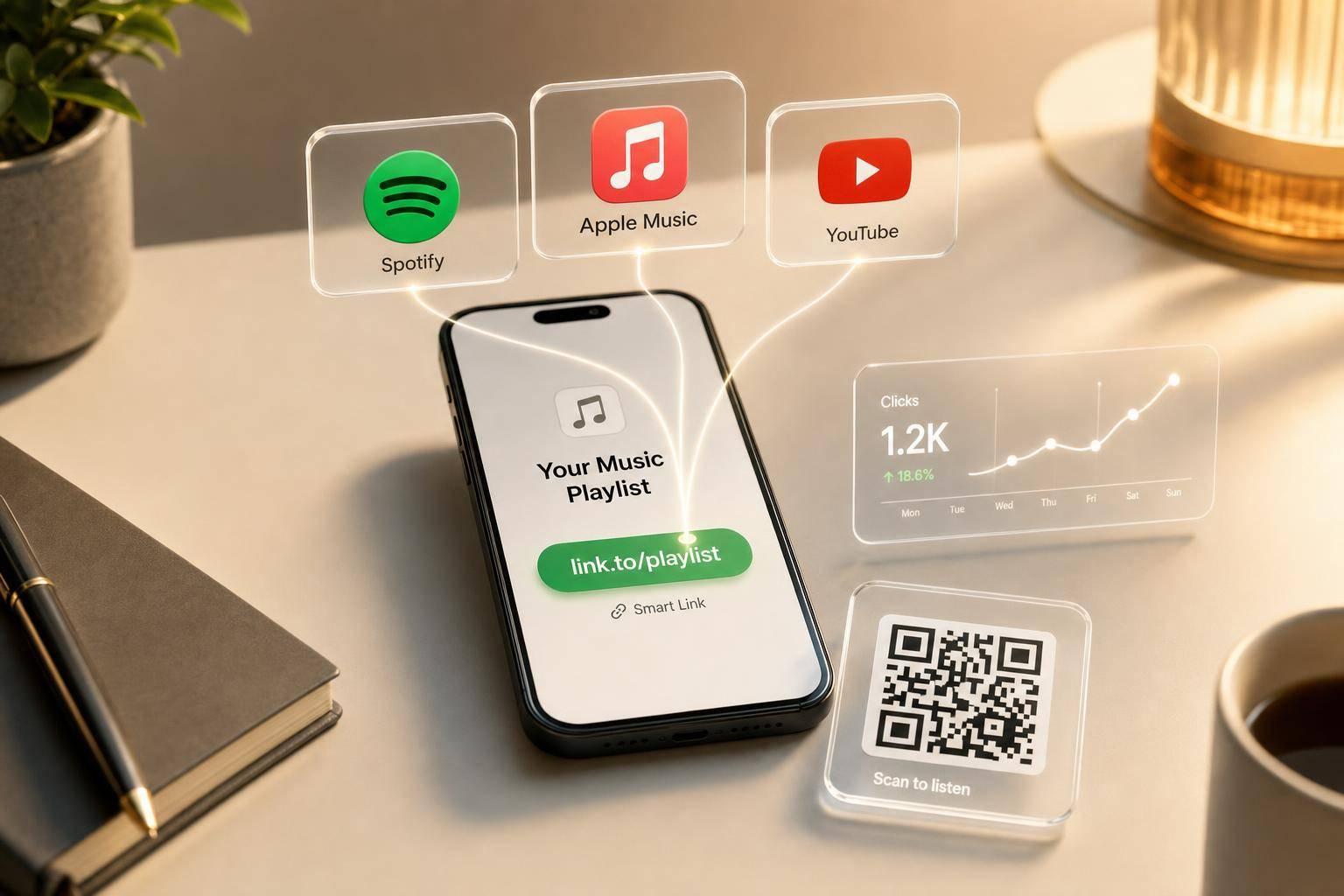
Here’s the short version: I use a smart link to send all traffic from Instagram, TikTok, email, bios, ads, and QR codes into one tracked page. Then I set Spotify, Apple Music, and YouTube as choices, use deeplinks where they help, and add UTM tags so I can see which source drives clicks.
What matters most:
- One campaign URL for every channel
- Three main destinations: Spotify, Apple Music, and YouTube
- UTM tags like
?utm_source=instagramto split traffic by source - Mobile handoff checks, since in-app browsers can block Apple Music sign-in
- Dashboard metrics such as clicks, destination choice, location, and device type
- QR codes for print and live show promo
- Link Gate only if email collection matters more than stream volume
A few clear rules shape the whole campaign:
- Put the main platform first on the landing page
- Keep all major streaming options live
- Test the click path on mobile and desktop
- Use Friday launches if I want early traffic in the first 24 hours
- Watch where fans click, then shift ad spend to the top source and platform
If I want more playlist plays without juggling separate links, this is the setup that keeps the fan path simple and the reporting clean.
Plan the Playlist Campaign Before You Build the Link
Set the campaign goal and primary platform
Start with one clear goal: more playlist streams, more saves, more followers, or traffic from one source.
Then pick the platform that fits that goal.
If Spotify growth matters most, send people to Spotify first. Playlist-driven plays can help Spotify discovery. If your main focus is broader reach or video-led engagement, send people to Apple Music or YouTube instead.
Use past smart link data to line up the main destination with where your audience already clicks. That one choice shapes the destinations you add to the link in the next step.
Keep all three destinations active.
Choose traffic sources and posting schedule
Once the goal is set, decide where the link will show up. Good placements include Instagram and TikTok bios, YouTube descriptions, email campaigns, and QR codes at live shows.
Use one smart link across every placement, and tag each source with UTMs. That makes it much easier to see what’s pulling its weight and what’s just sitting there.
Launch on Friday to pick up early traffic in the first 24 hours with a pre-save campaign. Log dates in mm/dd/yyyy format, and schedule posts in your audience’s local time zone. Those placements will feed straight into the smart link setup in the next section.
sbb-itb-e819543
How to Set Up a Playlist Smart Link for Spotify, Apple Music, and YouTube
Add Spotify, Apple Music, and YouTube playlist paths
Start in New PromoLink inside PromoLinks.me and paste in your playlist URL. The tool auto-fills Spotify, Apple Music, and YouTube playlist destinations, so you don't have to enter each one manually. Once those destinations are there, you're ready for the design step. This is a key part of any music marketing checklist before a new release.
For Spotify, use a deeplink so the playlist opens in the app. For Apple Music and YouTube, use the standard playlist URLs. PromoLinks.me also pulls in the artwork and playlist title as soon as you paste the links. That saves time and helps you get the page ready fast.
Customize branding, slug, and button order
After that, head to the Design step. Upload your campaign artwork, pick from six templates - Midnight, Neon, Vinyl, Glass, Aurora, and Studio - and change the URL slug to fit the campaign, such as promolinks.me/summer-playlist-2026.
The order of your streaming buttons can make a difference. If you're sharing with a broad audience, put Spotify first. If your listeners lean heavily iPhone, move Apple Music to the top instead. PromoLinks.me lets you drag and drop the buttons, so changing the order takes only a few seconds.
PromoLinks.me features that support playlist promotion
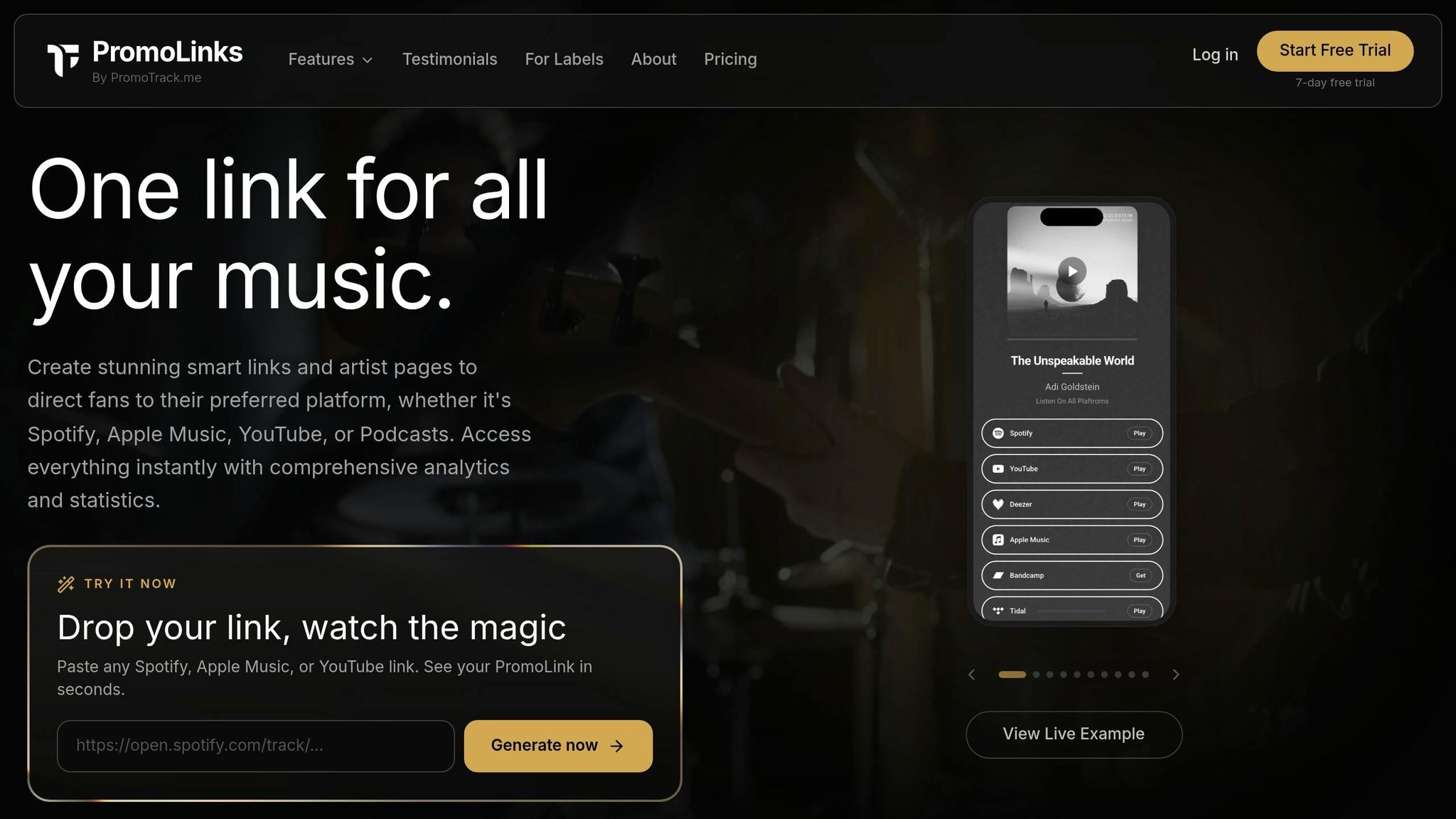
Before you publish, turn on the extra tools tied to sharing and audience building. PromoLinks.me can auto-generate QR codes that appear on the live link page, which makes them easy to place on posters, flyers, and other printed materials.
You can also enable email capture, called Link Gate, to collect fan emails before they continue to the streaming platform. And if you plan to run ads later, PromoLinks.me supports Meta, TikTok, Google, and Spotify pixels. That means visitors to your smart link page can be added to ad audiences for future campaigns.
Design the Fan Journey From Click to Stream
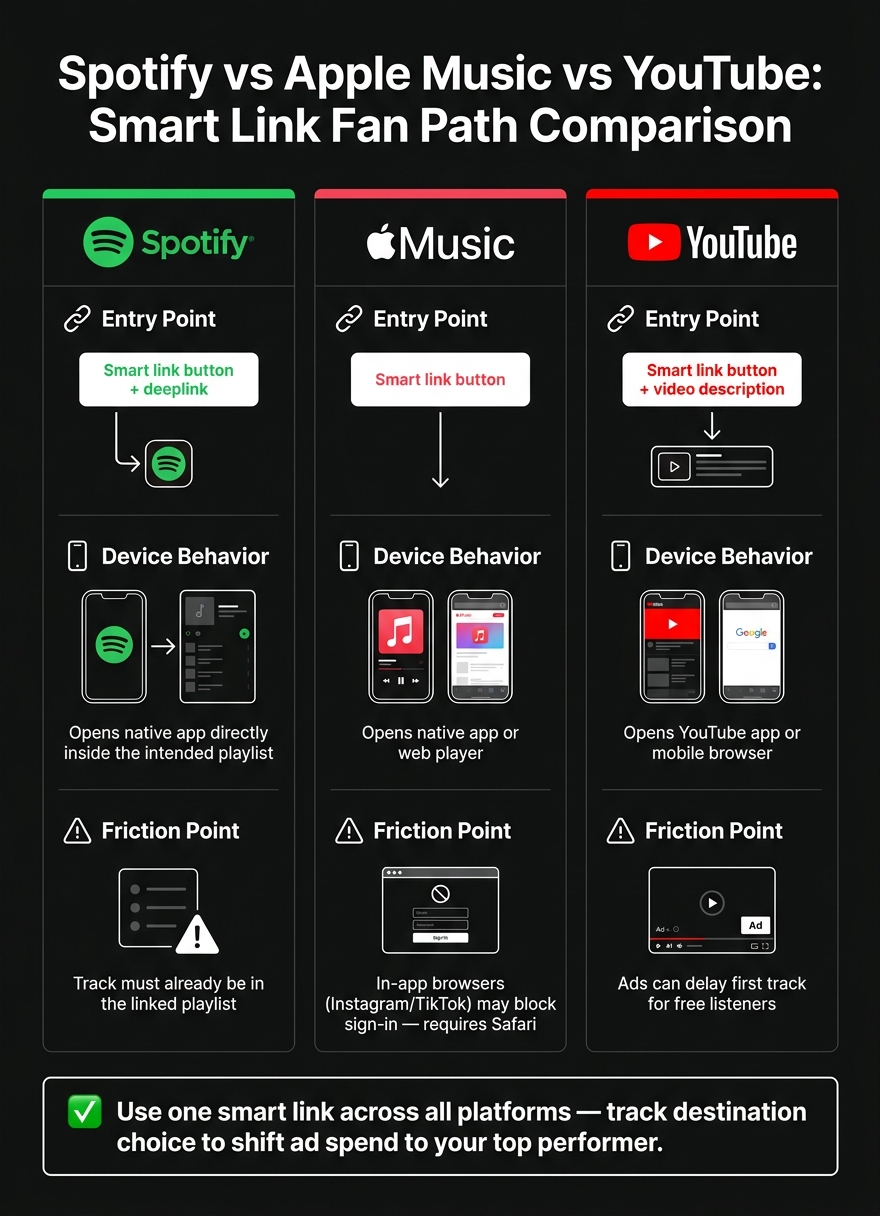
Spotify vs Apple Music vs YouTube: Smart Link Fan Path Comparison
Map the click path for mobile and desktop listeners
Once you’ve picked your destinations and set the button order, map what happens next from tap to stream. This part matters a lot more than it seems.
Most fans hit your link from Instagram or TikTok. When they do, they usually open it in the app’s built-in browser, not their normal browser. That’s where things can get messy. Apple Music sign-in can get blocked inside Instagram or TikTok browsers.
The fix is simple: send those users to Safari so Apple Music can complete the handoff. Spotify is usually easier here. A deeplink can open the exact playlist inside Spotify, which sends the fan straight into the native app and into the intended playlist.
Desktop listeners tend to run into fewer handoff problems because they’re already using a full browser. Even so, stick with one link so every click goes through the same tracked path. Then match that handoff to the platform your audience already uses most.
Guide fans with clear copy, hierarchy, and QR codes
Your landing page should push one action: tap play.
Put your main platform button first so fans don’t have to scroll to find the service they use. Keep the page simple. A large cover image helps set context, and short supporting copy keeps attention on the buttons instead of pulling people away from them.
QR codes are also handy here. Add them to flyers, merch, and venue materials so people can jump straight to the playlist. PromoLinks.me includes QR codes for smart links, which lets you use the same destination across print and digital promo.
If you’re thinking about using a Link Gate for email capture, be careful with it. Use it when collecting emails matters more than speed. If your main goal is stream volume, that extra step adds friction.
Spotify, Apple Music, and YouTube fan paths compared
| Platform | Entry Point | Likely Device Behavior | Friction Point |
|---|---|---|---|
| Spotify | Smart link button / deeplink | Opens the native app directly inside the intended playlist | The track must already be in the linked playlist |
| Apple Music | Smart link button | Opens the native app or web player | In-app browsers on Instagram or TikTok may require opening in Safari |
| YouTube | Smart link button / video description | Opens the YouTube app or mobile browser | Ads can delay the first track for free listeners |
Use this table to line up each platform with its main friction point. Then check your traffic data to see which platform and source lead to the most streams.
Track Playlist Traffic From One Link and Improve Results
Measure clicks, destination choice, geography, and devices
Once your link is live, your smart link dashboard shows what fans do next. The numbers that help you make faster calls are clicks, destination choice, location, and device type.
The biggest one is destination choice. If 80% of fans click Spotify instead of Apple Music or YouTube, that’s a clear signal to put more of your next budget into Spotify. Why split spend evenly if the audience is already telling you where they want to listen?
Location data helps too. It shows where the playlist is doing best, so you can aim local ads at those markets or even use that info when planning tour stops. Device data adds another layer. If most of your traffic comes from mobile, your landing page should feel clean, simple, and easy to skim (similar to high-converting pre-save campaigns) on a small screen. Those patterns can shape button order, ad spend, and local targeting.
Separate traffic sources without changing the main campaign link
If you want to track each channel without changing your main campaign link, add UTM parameters to each shared version. For example, use ?utm_source=instagram for Instagram and ?utm_source=email for email.
PromoLinks.me has built-in sharing tools that create tagged URLs for Instagram, TikTok, and email. Then, in your dashboard, the Top Referrers section shows which source is sending the most clicks. That makes budget shifts a lot easier, because you’re working from what’s happening, not guesswork.
| Metric | What It Tells You | How to Act on It |
|---|---|---|
| Destination Choice | Which platform fans prefer: Spotify, Apple Music, or YouTube | Put more promo behind the top platform |
| Top Referrers | Which source drives the most traffic | Spend more on the source that performs best |
| Location | Cities and countries where the playlist performs best | Run local ads or plan tour stops in those markets |
| Device Type | Mobile vs. desktop split | Adjust the landing page layout for the main device |
Conclusion: One Link, Clear Fan Paths, and Data-Driven Decisions
A smart link can turn a messy, multi-platform playlist push into one clear, trackable path. Instead of sharing separate URLs for Spotify, Apple Music, and YouTube, you give fans one place to land and let them pick where they want to listen.
A deeplink helps keep that playlist context in place. In plain English, it sends fans straight to the right spot instead of dropping them somewhere generic. Once that path is clean, the data starts to tell a much clearer story about where listeners actually go.
That same link can show up across:
- bios
- ads
- QR codes
And the analytics break things down by source, platform, geography, and device, so you can see what’s moving the needle and what isn’t.
PromoLinks.me gives independent artists and labels the tools to run this kind of campaign, from smart links and QR codes to pixel retargeting and analytics. One link. Clear fan paths. Data that helps shape the next campaign.
FAQs
How do I choose which platform to put first?
Choose based on where you are and what you want next. If you're an emerging artist with fewer than 10,000 monthly listeners, put Spotify first. Its algorithm-driven discovery can help more people find your music and grow your audience.
As you start gaining traction, it may make sense to lean more into Apple Music. The reason is simple: it often pays more per stream, at about $0.007–$0.010 compared with Spotify's $0.003–$0.005. Tools like PromoLinks.me can also help you see which platforms your fans pick, so you're not guessing.
Do smart links reduce streams by adding an extra step?
No. Smart links help cut drop-off by sending fans from one URL to the streaming platform they prefer.
That means fewer listeners leave because the link opens the wrong app. PromoLinks.me’s Playlist Spotlight also uses deep links that open your track in a playlist context, which can send stronger algorithm signals than generic links.
When should I use a Link Gate in a playlist campaign?
Use a Link Gate when you want to collect fan emails and build a direct line of communication that doesn't depend on social media algorithms.
By asking fans to take one step - like signing up with their email - before they can access the destination link, you can grow your contact list and create a stronger connection that lasts beyond that first click.
Related Blog Posts
Ready to create your smart links?
Join thousands of artists using PromoLinks to promote their music smarter.
Get Started Free